Hazard Levels Rift Scanner Guide: Find Every Rift Faster
Master the Hazard Levels Rift Scanner: find rifts, deploy stabilizers, use upgrades and skins, and get your crew back to the bus before the rift collapses.
Jump to
What the Rift Scanner Does
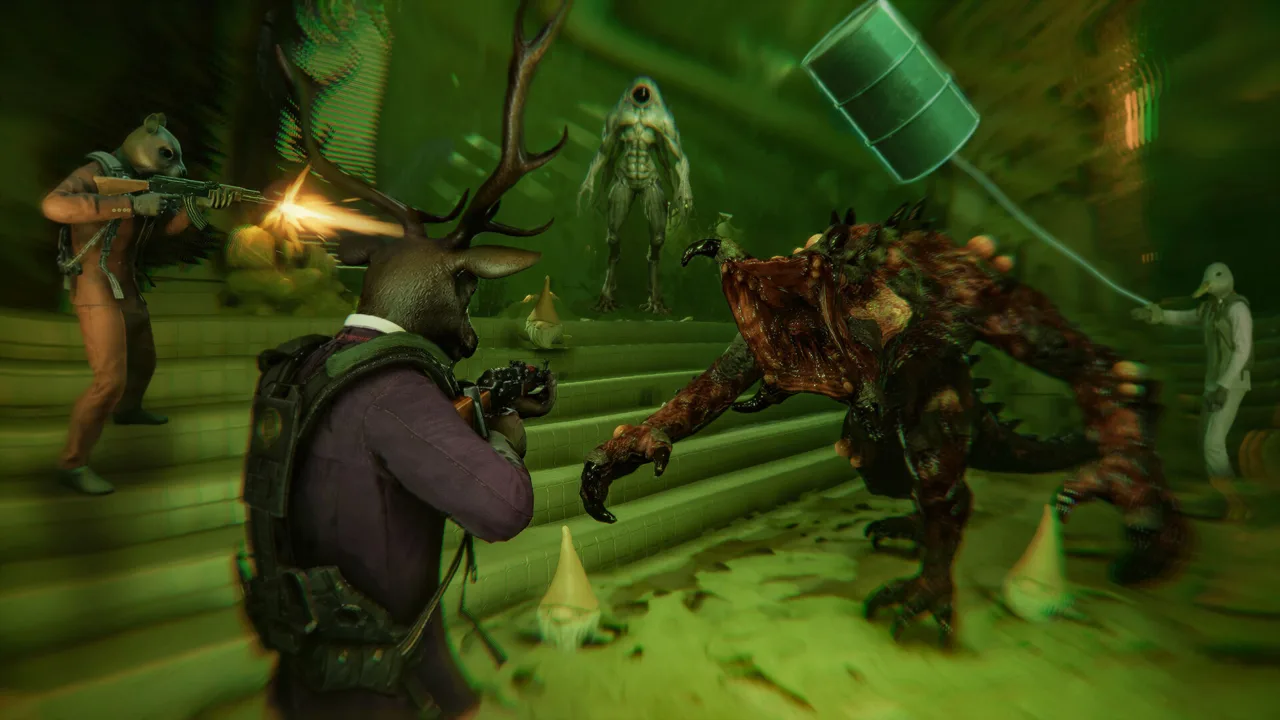
Every Crawl stalls the moment your team hits quota and nobody can find the next portal. The Hazard Levels Rift Scanner exists to solve that problem. It's the handheld device that picks up dimensional anomalies so you can push deeper instead of wandering the Facility while the clock runs down.
The scanner is one half of a two-tool system. It finds the rift, and the Rift Stabilising Device tears that rift open into a portal you can step through. Without a scanner, you're guessing. Without a stabilizer, you've found a door you can't open.
The tutorial lists three things the scanner tracks:
- Rifts: the anomalies you need to reach the next dimension
- Ingredients: the rift-grown loot that fills your quota
- Enemies: the creatures stalking each dimension
The scanner sits on the double-decker bus alongside the Gravity Gauntlet and the stabilizers. Grab it before every Crawl.
How Scanning Fits Into a Crawl
Hazard Levels runs on a loop of rift, loot, survive, brew, repeat. The scanner drives the "rift" part. A typical run goes like this:
 Image: Steam / Wales Interactive
- Fill the quota. Haul ingredients to the collection station with the Gravity Gauntlet. You can't hunt for a rift until the quota is met. Once it is, you'll hear "Rift detected."
- Scan for the anomaly. Sweep the area with the scanner until the rift shows up. A rift can turn up in an ordinary room, like a laundry room, so scan again even in spaces you've cleared.
- Deploy a stabilizer. Carry the Rift Stabilising Device to the rift and place it in front of the anomaly. When you're close enough, the game prompts you to drop it.
- Step through. You arrive in a new Rift Dimension with its own collection station and a fresh quota. Ping the station so your team can find it.
- Repeat or retreat. Eventually the rift collapses. A countdown starts, and everyone has to make it back to the bus before it hits zero.
The bus won't always let you leave early. If you try to head home too soon, the game will tell you to reveal more rifts first. Keep scanning until a collapse forces you out.
Scanner Tips That Save Runs
These tips come straight from how the scanner and stabilizer interact.
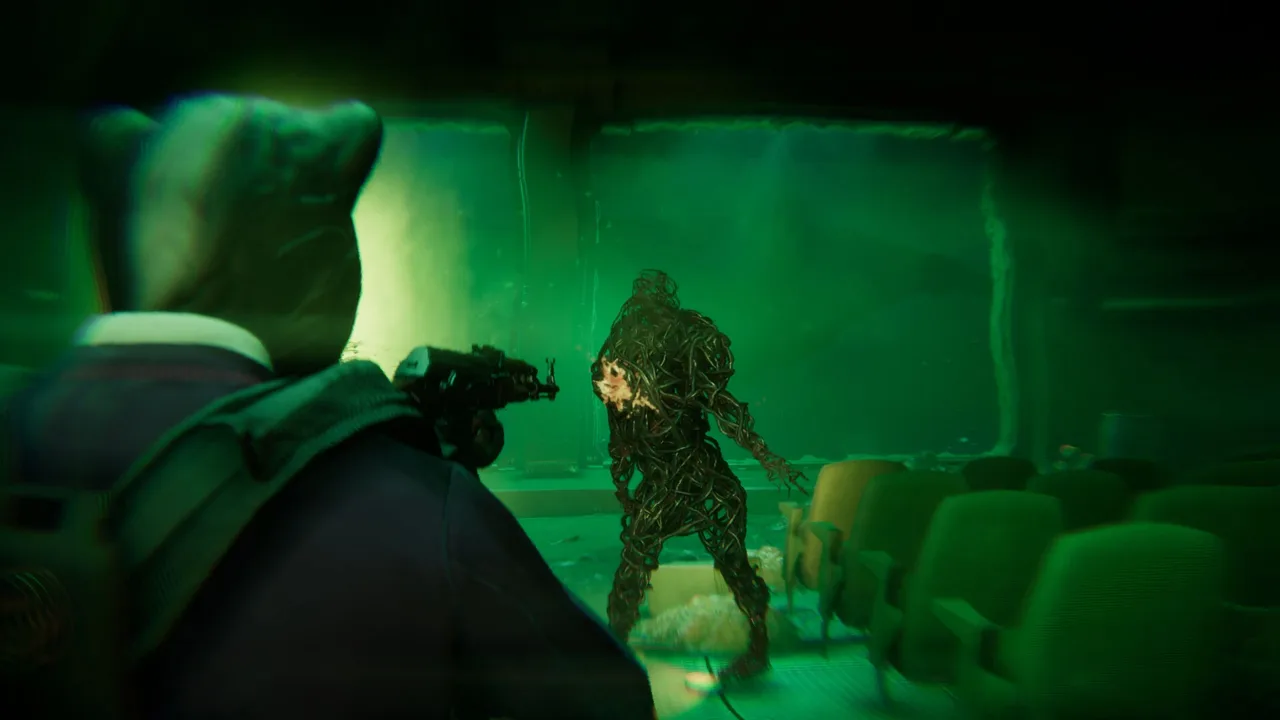 Image: Steam / Wales Interactive
- Bring more than one stabilizer. Each rift uses up a stabilizer. If your only one is sitting in Dimension One, someone has to run back for another. Have at least one teammate carry spares. You can also buy them at supply stations in the field, but that costs money you'd rather keep.
- Don't mistake the entrance for the exit. The portal you came through is still glowing behind you. Check that the scanner is pointing at a new anomaly before you drop a stabilizer.
- Split the scanning, not the team. In co-op, one player can sweep for the rift while the others finish the quota. Use pings to mark both the collection station and the rift so nobody gets lost between dimensions.
- Use the exit path during a collapse. Since the "A Wild Gun Appears" update, the scanner can show you a path to the exit. When the collapse timer starts and every corridor looks the same, follow it.
- Expect chaos on deeper runs. In 1.0, Rift Surges can hit inside any rift. Your head might triple in size, floors can turn to ice, or the whole world might flip upside down. Trust the scanner's direction when your eyes can't.
- Check the scanner after Rift Surges and trap rooms. Crushing pillars, laser barriers, fire traps, and swinging hammers can scatter your team. A quick scan gets everyone oriented before you push to the next portal.
Upgrading the Scanner
The scanner gets stronger as you play. Patch v0.1.2 added the Upgrade Bench to The Fox Hole Arms, and it covers both the Gravity Gauntlet and the scanner. Each tool has five upgrade levels, aimed at making your Crawls more efficient. That same patch fixed a bug that stopped the pinging system from rendering properly, which matters a lot when you're marking rifts for your squad.
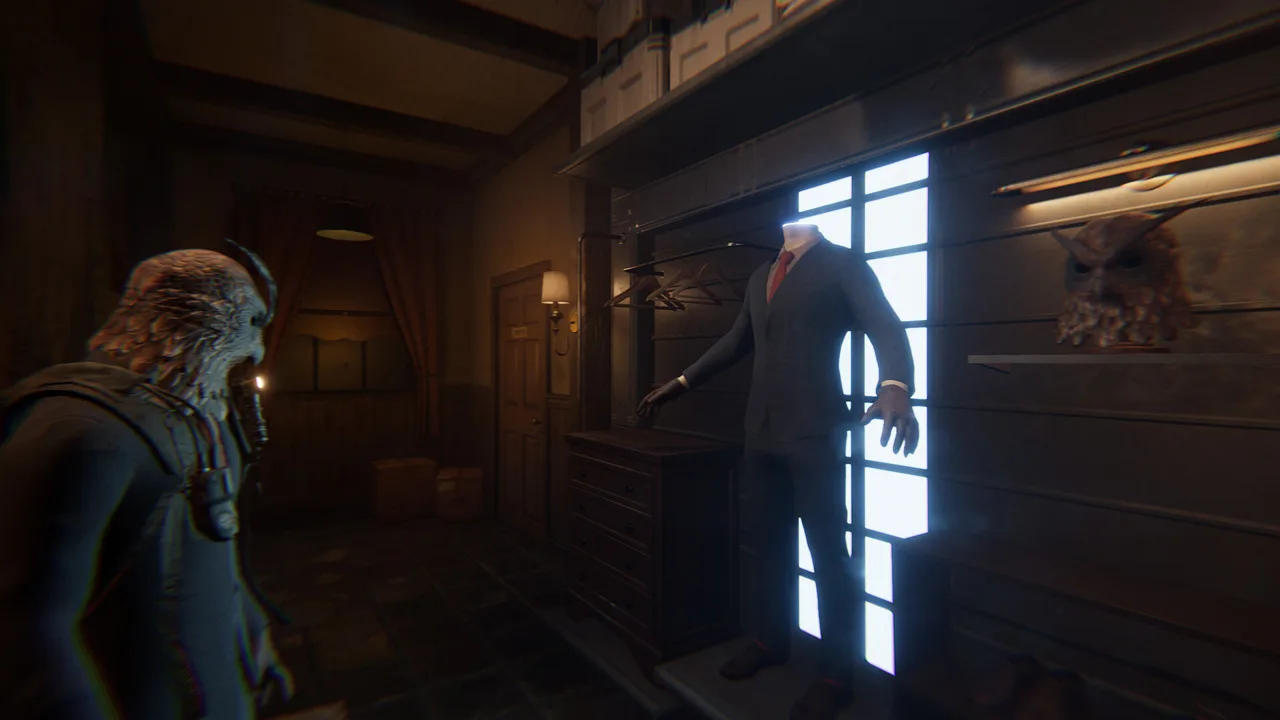 Image: Steam / Wales Interactive
Spend money at the bench between Crawls. A better scanner means less time hunting anomalies and more time hauling high-value loot before the collapse.
Scanner Timeline and Changes
Here's how the scanner has changed from Early Access through the full release:
| Update | What changed for the scanner |
|---|---|
| Early Access launch (Apr 30, 2026) | Rift Scanner and Rift Stabilising Device form the core portal system |
| Patch v0.1.2 | Upgrade Bench added with five scanner upgrade levels; pinging bug fixed |
| Major Summer Update | Myths & Legends Minotaur DLC adds a matching scanner skin |
| "A Wild Gun Appears" drop | Scanner can show a path to the exit; option to remove flashing lights during rift collapse |
| Aquarium expansion | Kelpie DLC adds a glowing scanner skin |
| 1.0 launch (Nov 12, 2026) | New scanner skins; Kistune pack includes a scanner skin; Rift Surges added |
If flashing lights bother you, turn on the graphics option that removes the flashing during a rift collapse.
Scanner Skins and Cosmetics
Your scanner is part of your look. Character customization covers four slots: head mask, suit, gloves, and scanner skin. You change all of them at the customization center behind the fireplace in The Fox Hole Arms.
Scanner skins come from a few places:
- Myths & Legends DLC packs. The Minotaur pack pairs a gold maze-themed suit with a matching scanner skin. The Kelpie pack adds a glowing scanner skin to its seaweed-inspired suit, and sells for $4.99 on the Epic Games Store alongside the Dragon and Unicorn packs.
- The Kistune pack. It launched with 1.0, inspired by the mythical fox spirit of Japanese folklore, and bundles a mask, suit, scanner skin, voice line, and audio track.
- The 1.0 cosmetic wave. It brought a batch of new suits and scanner skins to the base game.
- The Challenge Room. Completing challenges in The Fox Hole Arms unlocks cosmetic rewards, many inspired by the team's favorite movies.
Pick a scanner skin your teammates can spot in third-person view. When four people are scanning the same room, it helps to know whose device is whose.
Getting Hazard Levels
Hazard Levels 1.0 is out on Steam, Epic, PlayStation 5, and Xbox Series X|S, with crossplay across all platforms. Solo players can play offline. The base game is $12.99 on the Epic Games Store. You can also pick it up or try the free demo on the Hazard Levels Steam page.
Rift-themed achievements such as Rift Amateur, Rift Pro, and Rift Champion are among the 45 achievements on Steam. The faster you can scan, stabilize, and dive, the sooner those will pop.
Continue with
 Hazard Levels Gravity Gauntlet Guide: Grab, Throw, UpgradeMaster the Hazard Levels gravity gauntlet: carry limits, charged throws, Upgrade Bench levels and combat tricks to bank more loot on every Crawl in 1.0.
Continue exploring
Hazard Levels Pub Guide: The Fox Hole Arms & Secret Brewery
Explore the Hazard Levels pub, The Fox Hole Arms: find the secret brewery, brew perk cocktails, buy bar snacks, and gear up properly before every Crawl.
Hazard Levels Beginner Guide: Survive Your First Crawls
Our Hazard Levels beginner guide covers rifts, quotas, the Gravity Gauntlet, perk cocktails and bar snacks so every crawl ends safely back on the bus.
Join the community
Official channels for news, updates and player help: